Corcava
Our own product: CRM, projects, time tracking and invoicing connected around client work. Corcava began as a tool for running our digital agency and is now available to other service businesses.
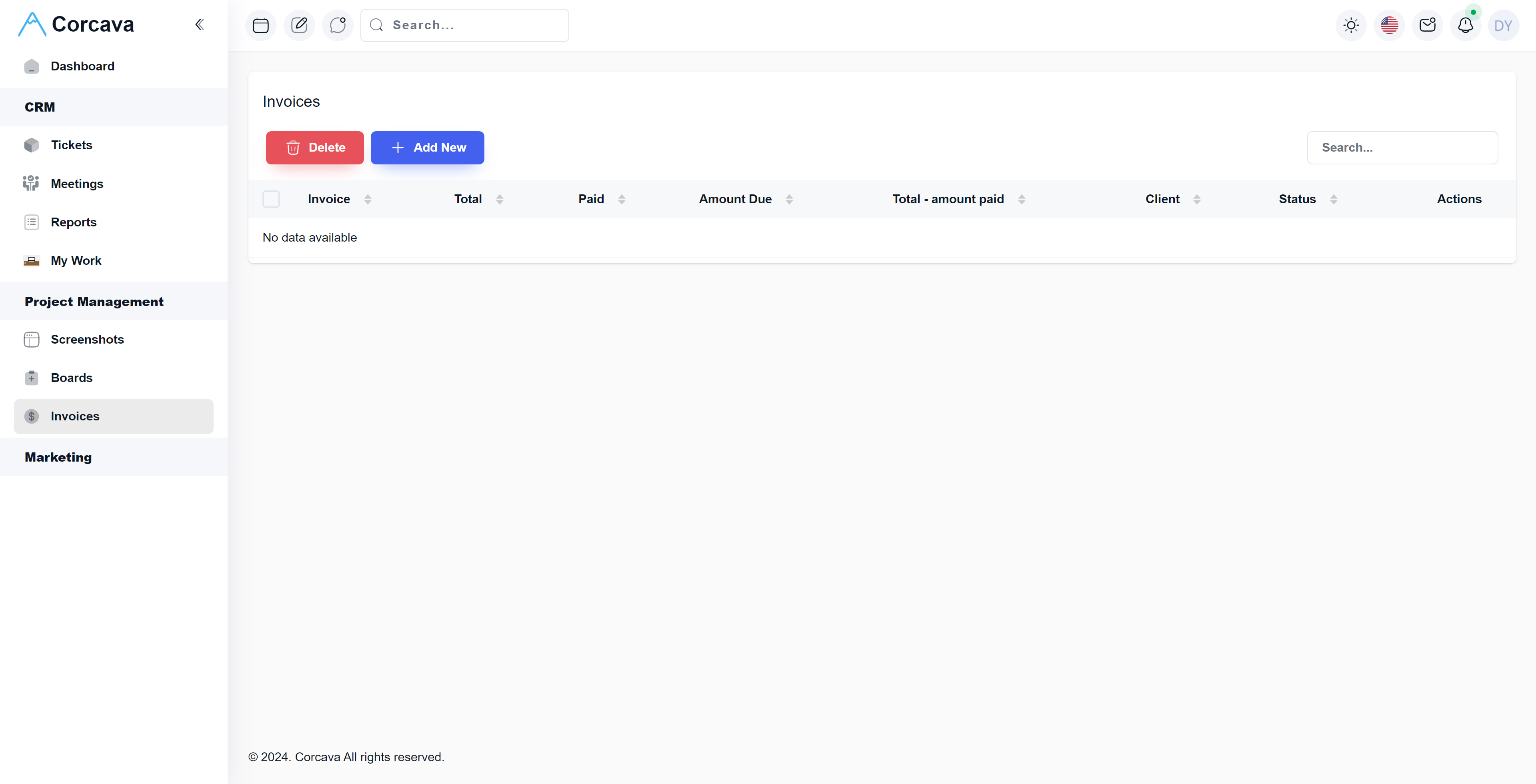
Case study updated September 27, 2026. The screenshot below shows an earlier interface.
The problem behind the product
A service business follows the same customer through several kinds of work: winning an engagement, delivering it, recording time and collecting payment. Separate tools can leave each person reconstructing that history. A salesperson knows the agreement, a developer knows the task, and the person preparing the invoice needs both.
Nomadic Soft developed Corcava around this problem in our own agency work. The product brings customer records, delivery and billing into a connected workflow. It is our own software product, with the scope and operating decisions that come with owning it. The current product overview describes that origin and the workflow available today.
Keeping the client context through delivery
Corcava connects CRM and deal management with projects, task boards, tracked time, invoices and client access. That connection matters after a deal is won: the client relationship continues while the delivery team works and the account owner prepares billing.
Consider an illustrative agency engagement. A prospect becomes a customer, a project holds the agreed work, team members record time against tasks, and selected billable entries become invoice lines. The client can then view the information made available through their portal. Each stage carries the customer context into the next person's work.
Time records have a billing consequence
Corcava's time tracking includes a browser timer linked to project and task context. Optional screenshot capture belongs to desktop tracking policies; starting a web timer does not capture screenshots. That distinction lets a team separate recording hours from a decision to monitor screen activity.
Time corrections are another concrete boundary. The product documents permissions for adding manual time or moving recorded time between projects, with a log of corrections. Once time has been invoiced, it is protected from movement. This illustrates an important requirement in connected business software: editing an operational record can affect something already sent to a customer.
The invoicing workflow lets the user select tracked time or add manual lines for fixed work. Previously invoiced time is protected against accidental reuse. Users review invoice details and choose when to send, keeping an explicit review step between recorded activity and a client bill.
Client access is a separate product surface
The client portal exposes project boards, time reports, invoices and project chat according to the access granted. An hourly engagement may call for detailed time visibility; a fixed-fee engagement may need progress and invoices without the same hourly detail. Client access therefore needs its own configuration even when internal and external views draw on connected records.
The portal also has defined limits. Its documented scope does not include a separate files library or formal approval workflow. Team logos and a custom portal domain are supported, while a complete visual reskin and removal of all Corcava attribution depend on the available settings. These distinctions matter when deciding whether an existing product fits a particular client experience.
Integrate with the systems that remain
A connected workspace still has external boundaries. The CRM inbox connects Gmail and Microsoft 365 mailboxes using OAuth. Mail sync brings conversations into CRM, where matching threads attach to contacts and unknown senders enter an unassigned queue. Users can link a new contact and reply from the CRM while the mailbox remains with its provider.
That leaves a useful human decision at the edge of the integration: an unfamiliar sender is something to resolve, rather than silently treating every incoming message as an established customer relationship. Scheduled and manual sync are distinct from immediate delivery of new mail into the CRM view.
Billing has a similar boundary. Corcava supports invoices, payments and operational project finances; formal accounting remains in a separate accounting system. Recurring invoice generation is also distinct from payment-provider subscription billing. A useful specification identifies where each responsibility ends before adding more integrations.
What this means for a custom CRM project
Corcava is a concrete example of our own product work spanning customer management, delivery and billing. The useful starting point for another business is its workflow: which records must stay connected, who may change them, and which actions need review. A feature list alone will not answer those questions.
Our Laravel CRM guide works through a proposed data model and acceptance checks. For a project with different business rules, explore our CRM development services or broader custom software development work.